Cook the Chicken Scripts
Auto slap, convert, collect, and upgrade helpers — plus clear safety warnings.
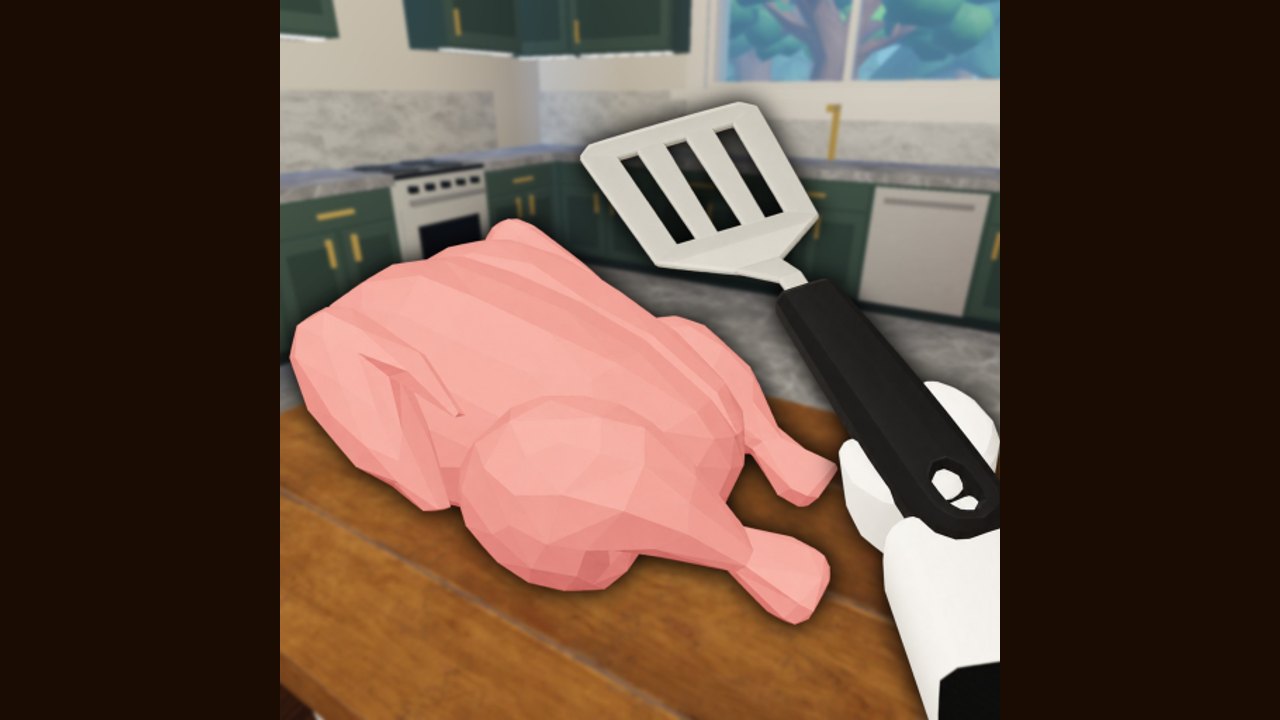
Cook the Chicken (by slapping it) is a short incremental loop: slap for smacks, convert to cash, buy tools and rooms, and push cook progress to 100%. Some players use executor scripts to automate slap, collect, convert, and upgrade steps. This hub lists two commonly shared loadstrings, what they claim to do, and how to run them — with a hard safety disclaimer up front.
Scripts are not required. A clean run takes about 20–30 minutes, and the Speedrunner badge targets under 15 minutes with good upgrade order. Prefer the Getting Started guide and Tier List Hub if you want a legitimate clear.
Safety disclaimer (read first)
- Using exploits or scripts can violate Roblox rules and may lead to warnings, bans, or lost progress.
- Run scripts only on an alt account you are willing to lose. Never share your main password or cookie with “key” sites.
- Many scripts use a key system (short link / captcha / Discord gate). Only complete keys on accounts you trust; close the browser when done.
- If a loadstring domain looks different from what you copied here, stop — paste malware is common on random hubs.
- This wiki does not guarantee uptime. Scripts break after game patches; re-check after updates listed on the Updates Hub.
Script 1 — Sosiskomras Hub (Auto Farm / Auto Upgrade)
Focus: farm loop helpers plus upgrade purchasing so you spend less time clicking shop buttons between slap bursts.
Typical features players look for:
- Auto slap / farm toward cook progress
- Auto buy or suggest upgrades as cash allows
- Hub-style toggles so you can leave farming on while you watch the percentage climb
Loadstring:
loadstring(game:HttpGet("https://raw.githubusercontent.com/Biskus0/CooktheChicken/refs/heads/main/Loading.lua"))()Paste into a supported executor while you are in the experience, then enable only the toggles you need. If the hub asks for a key, complete it on an alt.
Script 2 — AUTO SLAPPER | AUTO COLLECT | AUTO CONVERT
Focus: the three actions that define the core economy — hitting the chicken, picking up cash, and converting smacks without walking back and forth.
Typical features:
- Auto slapper — fires tool hits / remotes so the smack counter rises without manual clicking
- Auto convert — moves you to (or triggers) the converter so smacks become cash quickly
- Auto collect — grabs dropped cash and proximity rewards
- Often ships with anti-AFK so long farm sessions are less likely to idle-kick
Loadstring:
loadstring(game:HttpGet("https://scriptblox.com/raw/Cook-the-Chicken-by-slapping-it-AUTO-SLAPPER-or-AUTO-COLLECT-or-AUTO-CONVERT-236989"))()Expect a key system on many builds of this script. After inject, turn on slap → collect → convert in that order so you do not soft-lock with a full smack bar and empty wallet.
How to use an executor (general steps)
- Install a current Roblox executor that supports
loadstring/HttpGet(version compatibility changes often). - Join Cook the Chicken from the official game page on an alt.
- Attach the executor to the Roblox client.
- Paste one loadstring at a time into the executor console and run it.
- Complete any key prompt, then enable features gradually (slap first, then convert/collect, then auto-buy).
- Watch cook % and cash. If nothing happens after a patch, disable scripts and finish the run manually using the tier list.
Do not stack five hubs at once — overlapping auto-slap remotes can lag the 16-player server or break your session.
What scripts cannot replace
Automation speeds the loop; it does not teach room order. You still need to unlock kitchen → garage → bedroom/laundry → outdoor progression and pick tools that raise smack efficiency (spatula upgrades, auto smack-o-matic, guns, car engine, space heater, microwave death ray, and similar endgame toys). Pair this page with Guides and check Codes only for legitimate gifts — there were no confirmed promo codes as of November 2026.
Responsible use checklist
| Do | Don’t |
|---|---|
| Use an alt | Script on a rare limited account |
| Enable one feature at a time | Paste unknown loadstrings from DMs |
| Stop after weird teleports / GUI spam | Ignore executor update warnings |
| Finish badges legit if you care about them | Assume Speedrunner still counts while fully AFK |
Scripts are a convenience layer on top of a joke premise — dinner is late, the oven exploded, and you are slapping poultry. Play fair when you can; if you automate, accept the ban risk and keep expectations low when HELP ME PLEASE studios patches remotes.
Frequently Asked Questions
Quick answers for Cook the Chicken players.
Are Cook the Chicken scripts safe?
No script is fully safe. They can ban your account. Use an alt, avoid shady key sites, and never enter your main password. This wiki lists community loadstrings for information only.
Do I need a key system?
Many popular builds require a short key unlock. Complete keys only on disposable accounts and close extra browser tabs when finished.
Will auto slap get me the Speedrunner badge?
Maybe, but badges and anti-cheat rules can change. If you care about a clean Speedrunner (under 15 minutes), practice upgrade order on the Tier List Hub without scripts.
Why did my script stop working?
Game updates break remotes. Check the Updates Hub and the official Roblox page date, then wait for script authors to patch — or finish the cook manually.
Can I use both scripts at once?
Not recommended. Overlapping auto slap/convert loops cause lag and conflicts. Pick one hub, test toggles, and keep collect + convert enabled together.